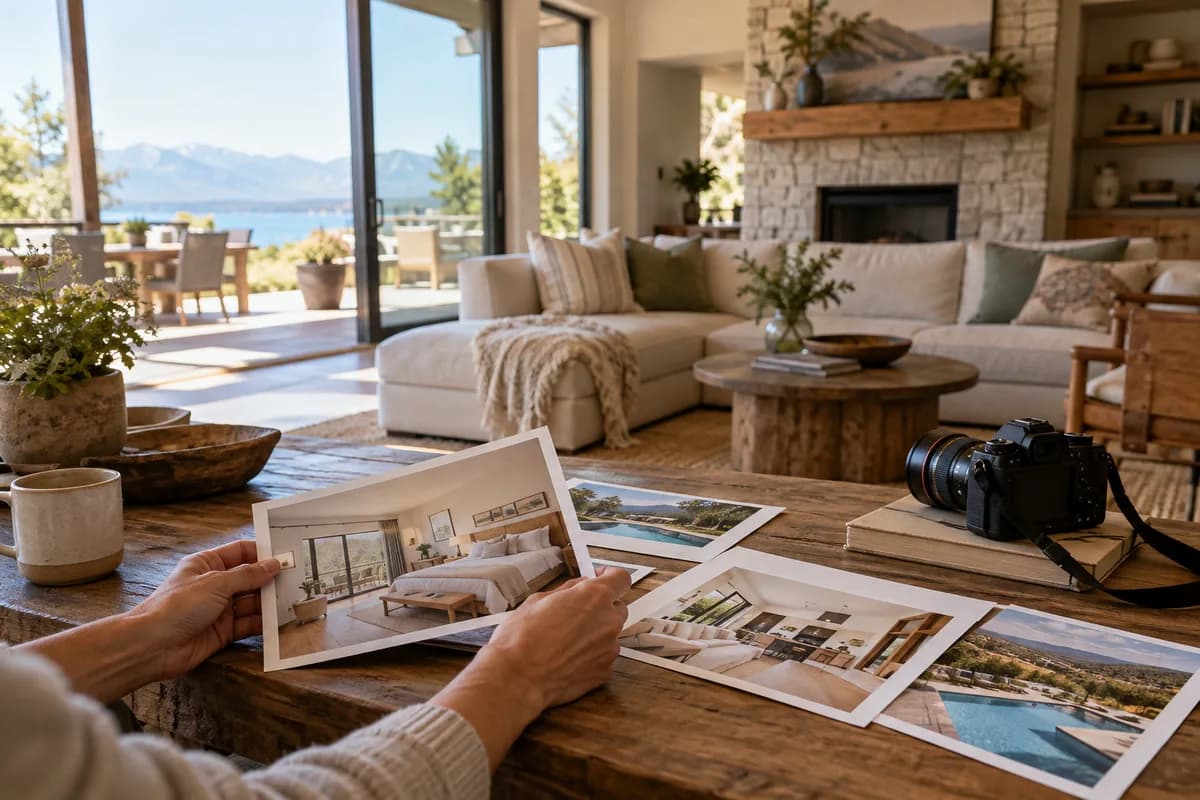
The six-photo minimum is a live-listing rule
Vrbo says every listing needs at least six unique photos. It also says to keep at least six photos published at all times; a listing with fewer than six for more than 30 days can receive an indefinite suspension penalty. A duplicate or near duplicate may be removed and will not count toward the six.
For a multi-unit property, Vrbo specifies the mix: one building exterior, one interior or lobby, three guest-room photos, and one bathroom photo. That category list is specifically for multi-unit properties. A whole-home host should still show every important room and amenity, but should not mistake this multi-unit mix for a required shot list for every rental.
- Keep six distinct photos published, including while replacing old images.
- For multi-unit properties, cover the exterior, lobby or interior, guest rooms, and bathroom.
- Treat six as the minimum, then add photos that answer real guest questions.
Minimum size, recommended size, and file types
Vrbo accepts JPEG, PNG, WebP, AVIF, and SVG. The minimum image size is 1024 × 683 pixels. Its recommendation is 3840 × 2160 pixels or higher for best quality. These are pixel dimensions, not a file-size limit in megabytes; the photo guidelines do not state a universal MB maximum.
Horizontal photos display best, although Vrbo accepts vertical orientation. Export a sharp full-resolution source rather than enlarging a small image to clear the minimum: upsizing changes the pixel count but cannot recover lost detail. Before upload, inspect the actual room, not just the numbers in the file properties.
- Minimum: 1024 × 683 pixels.
- Recommended: 3840 × 2160 pixels or higher.
- Accepted formats: JPEG, PNG, WebP, AVIF, and SVG.
- Landscape orientation displays best; portrait is accepted.
Why Vrbo rejects or removes photos
Vrbo warns that blurry, pixelated, blank, duplicate, or near-duplicate images may be rejected. The same applies to black-and-white or sepia photos, close-ups, collages, and montages. Documents, posters, and illustrations are not property photos; floor plans and relevant property maps are exceptions, but area maps are not.
Text overlays such as URLs or contact details and graphic overlays such as logo watermarks or borders are also on Vrbo's rejection list. Put useful room details in the photo caption and listing text instead of printing them on the image. ListPik's virtual staging label is text burned into the image by default, so a Vrbo host should check whether that labeled file is accepted. If using a clean staged file, disclose the staging clearly in the listing text and keep the original. Vrbo's broader listing rule is that content must accurately portray the rental, so edits should clarify the real space without inventing a view, amenity, or finish.
- Use one clear photograph per image, not a collage.
- Remove URLs, contact details, logos, and borders.
- Keep room condition, amenities, and views truthful.
- Replace a soft image rather than sharpening it beyond what the source supports.
Choose the cover and organize rooms
Vrbo's mobile help says the first photo is the image travelers see in search results. Its desktop upload help also describes an optional AI-powered feature that may choose a hero image and reorder uploaded photos. After publishing, check the guest-facing listing instead of assuming your manual first slot stayed in place.
In the owner dashboard, open Property, then Edit property, then Photos to upload images, edit captions, or assign existing images to bedrooms and bathrooms. Room assignments require Rooms and Spaces to be set up first. In the mobile app, the photo editor also lets you add captions and drag to reorder. A useful cover shows the most distinctive, bookable part of the actual property at thumbnail size; the next frames should make the sleeping plan and shared spaces easy to verify.
- Preview the search-result image after publishing.
- Caption rooms and assign bedroom and bathroom photos where available.
- Show the whole space before decorative details.
A five-minute pre-upload check
Start with the six-photo minimum, then work through the files as a set. A complete gallery is more useful than six similar living-room angles. If an image is rejected, Vrbo says it appears under Rejected photos in the dashboard; integrated property managers may see the error in their integration report instead. Vrbo says changes can take up to 10 minutes to appear on the guest-facing site for direct uploads.
- Count six distinct, published photos before deleting any existing photo.
- Check actual dimensions and use an accepted file format.
- Open every file at full size to spot blur, halos, and false details.
- Remove collages, watermarks, text, and duplicate angles.
- Confirm bedrooms, bathrooms, shared spaces, and important amenities are shown.
- Check the live cover, captions, and rejected-photo area after upload.
Claims the official guidelines do not settle
Vrbo's published photo guidelines do not give a universal maximum upload size in megabytes or promise that every file above 1024 × 683 will be approved. Resolution is only one check: image content and sharpness matter too. The guidelines list accepted formats, but they do not say that SVG is the best format for a property photograph. For an ordinary camera photo, export a high-quality JPEG or another supported raster format instead of converting it into a vector file.
The help pages also do not promise that a chosen first image will stay the search cover when AI photo optimization is enabled. Verify the visible listing after upload. Treat any fixed photo count above six or guaranteed ranking benefit from a particular image order as advice, not a Vrbo requirement.
- No universal MB cap is stated in the cited photo guidelines.
- Passing the pixel minimum does not guarantee approval.
- Check the actual search cover after Vrbo processes the gallery.
Guides that pick up where this leaves off
- Vrbo listing photo guide
Plan a complete gallery that shows sleeping spaces, shared rooms, and outdoor areas.
- Free listing photo checker
Check whether each file is ready before uploading it to Vrbo.
- Vacation rental gallery order
Choose an opening sequence that answers guest questions quickly.
- AI-edited photos on Airbnb and Vrbo
Review the accuracy boundary before publishing edited property photos.
Sources checked for this answer
Product and platform policies change. These were reviewed on September 24, 2026.
Related questions
How many photos are required for a Vrbo listing?+
At least six unique photos must be published. Vrbo says keeping fewer than six published for more than 30 days can result in an indefinite suspension penalty. Duplicates do not count.
What is the minimum Vrbo photo size?+
The minimum is 1024 × 683 pixels. Vrbo recommends 3840 × 2160 pixels or higher for the best quality.
Which photo formats does Vrbo accept?+
Vrbo lists JPEG, PNG, WebP, AVIF, and SVG. Horizontal orientation displays best, but vertical photos are accepted.
Why did Vrbo reject my photo?+
Common reasons include blur, low resolution, duplicates, collages, close-ups, black-and-white or sepia treatment, text overlays, and logo watermarks. Check the Rejected photos area in the Vrbo dashboard for a direct upload, or your integration report if you use property management software.
Can I add captions to Vrbo photos?+
Yes. In the owner dashboard, open Property, Edit property, then Photos and edit a photo's caption. The owner mobile app also supports captions.
Property advertising rules vary. Review every enhanced image against the original and disclose material or generated changes wherever required.
Ready when the source is
Turn the useful photos into a consistent listing set.
Start with three included credits. Keep the result only after it holds up beside the original.