The short answer: policies vary; accuracy is the test
There is no single sentence that permanently answers whether AI-enhanced photos are allowed on Airbnb or Vrbo. Platform rules change, enforcement is case-by-case, and this page is not legal advice. What both marketplaces emphasize publicly is accuracy: listing photos and descriptions should represent the stay a guest will actually receive.
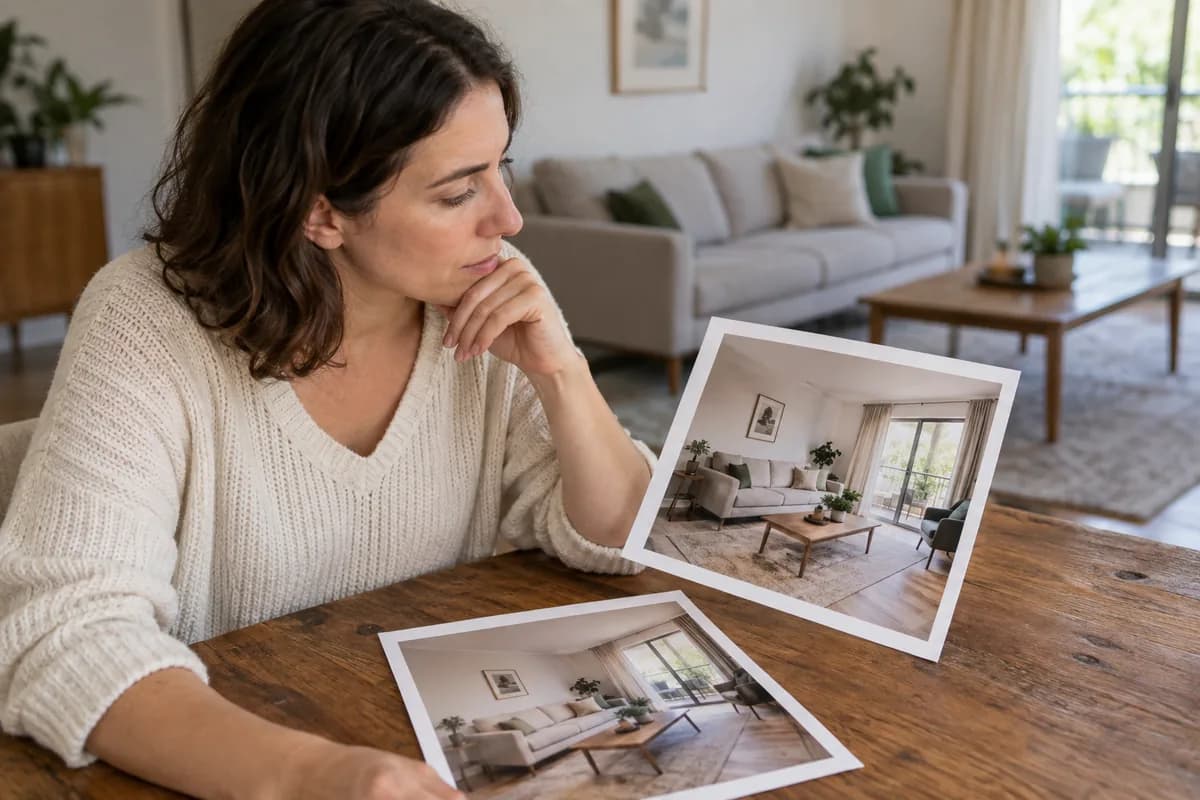
Treat production method as secondary. A human Photoshop edit that invents a pool and an AI pass that only lifts a dark room are not the same commercial claim. Before you publish, compare every finished frame with the original and with the live amenity list.
- Confirm current Airbnb Help Center and Vrbo host-content rules before publishing
- Judge the image by what a guest will find at check-in
- Separate ordinary photographic correction from renovation or staging
- Keep originals for claims, disputes, and your own audit trail
Enhancement, generative renovation, and virtual staging are different jobs
Photographic enhancement corrects how the camera recorded a real room: exposure, white balance, clarity, mild perspective, and restrained exterior finishing. Generative renovation changes the property story—new finishes, removed defects, invented amenities, or a better view than exists. Virtual staging adds furniture that is not in the room and should be labeled as such.
Airbnb's Ground rules for home hosts state that photos and descriptions should accurately represent the space, and that hosts may be asked to remove content if AI or other digital technology has been used to edit flaws, hide damage, add amenities or attributes that are not part of a listing, or otherwise misrepresent the listing. See https://www.airbnb.com/help/article/2895. Vrbo's public trust materials ask hosts to keep listing images and representations honest; see https://www.vrbo.com/tlp/trust-and-safety and the host-provided content policy linked from that page.
- Enhancement: finish the photograph of what exists
- Renovation/generation: change what the property appears to be
- Virtual staging: visualize furniture that is not present—and disclose it
- If you cannot defend the frame beside the original, do not publish it
What Airbnb publicly emphasizes for listing photos
Airbnb's photo-help guidance focuses on practical capture quality: landscape orientation, daylight, and sufficient resolution—photos at least 1024px by 683px, with larger preferred. See https://www.airbnb.com/help/article/746. That article is about presentation quality, not a license to invent amenities.
The accuracy standard in the Ground rules is the stricter commercial boundary. Ordinary lighting and color correction that leave layout, finishes, views, and condition intact sit closer to documentary presentation. Adding a hot tub, hiding water damage, widening a room, or swapping the view sits on the wrong side of the accuracy test—whether the tool was AI, a filter, or a manual retouch.
- Accuracy of the stay beats novelty of the editing tool
- Cover and gallery images are still evidence of the booking
- Hotel-like representative inventory is a narrow exception Airbnb mentions; most home listings are not that case
- When unsure, simplify the edit and strengthen the listing copy instead
Vrbo themes: honest images and up-to-date listings
Vrbo's public trust-and-safety materials emphasize that hosts are responsible for honest images, descriptions, and representations, and point to host-provided content rules that cover text, image, video, and generative-AI content. Exact wording and enforcement can change—read the live pages rather than relying on a summary.
In practice, the same operational rule works across channels: if a guest would be surprised by a missing amenity, a worse view, or a different condition than the photo implied, the image is doing commercial harm even before a policy team gets involved.
- Keep photos current when furnishings, amenities, or access change
- Do not use a prettier neighboring unit as a stand-in
- Seasonal amenities need seasonal honesty in both photo and copy
- Edge cases belong in clear listing text, not in a reconstructed photograph
What ListPik does—and deliberately does not do
ListPik is a review-first property studio. Enhancement is limited to lighting, white balance, clarity, mild perspective, and restrained exterior finishing. It does not renovate the property, invent amenities, or hide material condition. Virtual staging is a separate job, priced at one credit like enhancement, and labeled as virtually staged by default.
Every result stays beside the original so you can reject an inaccurate pass before download. That review step is part of the product because marketplace accuracy ultimately sits with the host or agent who publishes the file.
- One credit per completed enhancement from packs: 10/$12, 30/$30, 75/$68
- Unused purchased credits do not expire
- Staging is opt-in, separate, and labeled by default
- Contact /contact for edge-case briefs rather than forcing a risky edit
A practical disclosure and review checklist
Before a finished file enters Airbnb, Vrbo, or another channel, run a short audit. The goal is not to decorate the photo with a legal essay. It is to catch material differences while you still have the original on screen.
- Compare architecture, windows, doors, and room proportions with the source
- Confirm furniture, finishes, views, and defects still match the stay
- Confirm every advertised amenity in the photo is actually available under the booked terms
- Label virtual staging; do not present staged furniture as documentary
- Keep unedited originals for claims, insurance, and internal QA
- Re-read current platform Help/policy pages when rules or products change
AirCover and claim evidence are not marketing photos
Marketing galleries and damage-claim evidence serve different purposes. Listing photos are advertising that must stay accurate. Claim or AirCover documentation may be held to stricter authenticity expectations—platforms can require original, verifiable files rather than enhanced or synthetic images.
Do not assume a polished listing JPEG is appropriate evidence for a Resolution Center or insurance path. Store the camera original, and check the current Airbnb terms and Help materials for the claim type you are filing. When the situation is ambiguous, use /contact for product questions and a qualified advisor for legal or claims strategy.
- Marketing finish ≠ claim evidence
- Prefer original camera files for disputes and damage documentation
- Policies vary by program and date—verify before you submit
- This article is operational guidance, not legal advice
Common questions
These answers summarize public themes as of the publication date. Always confirm the live Help Center and your own channel rules.
- Are AI-enhanced Airbnb photos banned? Not as a blanket production method in the public accuracy rules—misrepresentation is the stated problem.
- Do I have to disclose ordinary light and color correction? Follow current marketplace, brokerage, and local advertising rules; keep a review trail either way.
- Is virtual staging allowed? Only when it does not mislead; label staged furniture and keep architecture truthful.
- Can I enhance photos for Vrbo the same way? Honesty and accuracy remain the theme—confirm Vrbo's current host-content policy.
- What if my photo needs a renovation to look bookable? Fix the room or reshoot; do not invent the property in software.
- Where do I get help on an edge case? Start at /contact, and read /methodology for ListPik's truth boundary.
Guides that pick up where this leaves off
- Virtual staging disclosure rules
Where the labelling duty comes from, and why a caption in a listing field is not enough on its own.
- Careful cleanup
The permanence test for deciding what may be removed from a listing photo and what may not.
- Zillow listing photo guide
Real estate photos carry MLS obligations that short-term rental photos do not.
- Real estate photography statistics
Disclosure rules and platform photo requirements, each quoted from the primary source.
Sources checked for this answer
Product and platform policies change. These were reviewed on September 5, 2026.
Related questions
Are AI-enhanced Airbnb photos banned?+
Not as a blanket production method in the public accuracy rules—misrepresentation is the stated problem. Compare every finished frame with the original and the live amenity list before publishing.
Do I have to disclose ordinary light and color correction?+
Follow current marketplace, brokerage, and local advertising rules; keep a review trail either way. ListPik keeps the original beside the result so you can reject inaccurate passes.
Is virtual staging allowed?+
Only when it does not mislead. Label staged furniture, keep architecture truthful, and treat staging as a separate job from documentary enhancement.
Can I enhance photos for Vrbo the same way?+
Honesty and accuracy remain the theme—confirm Vrbo's current host-content policy. Do not invent amenities, views, or condition in software.
What if my photo needs a renovation to look bookable?+
Fix the room or reshoot; do not invent the property in software. ListPik enhancement does not renovate finishes or hide material defects.
Where do I get help on an edge case?+
Start at /contact, and read /methodology for ListPik's truth boundary. This article is operational guidance, not legal advice.
Property advertising rules vary. Review every enhanced image against the original and disclose material or generated changes wherever required.
Ready when the source is
Turn the useful photos into a consistent listing set.
Start with three included credits. Keep the result only after it holds up beside the original.