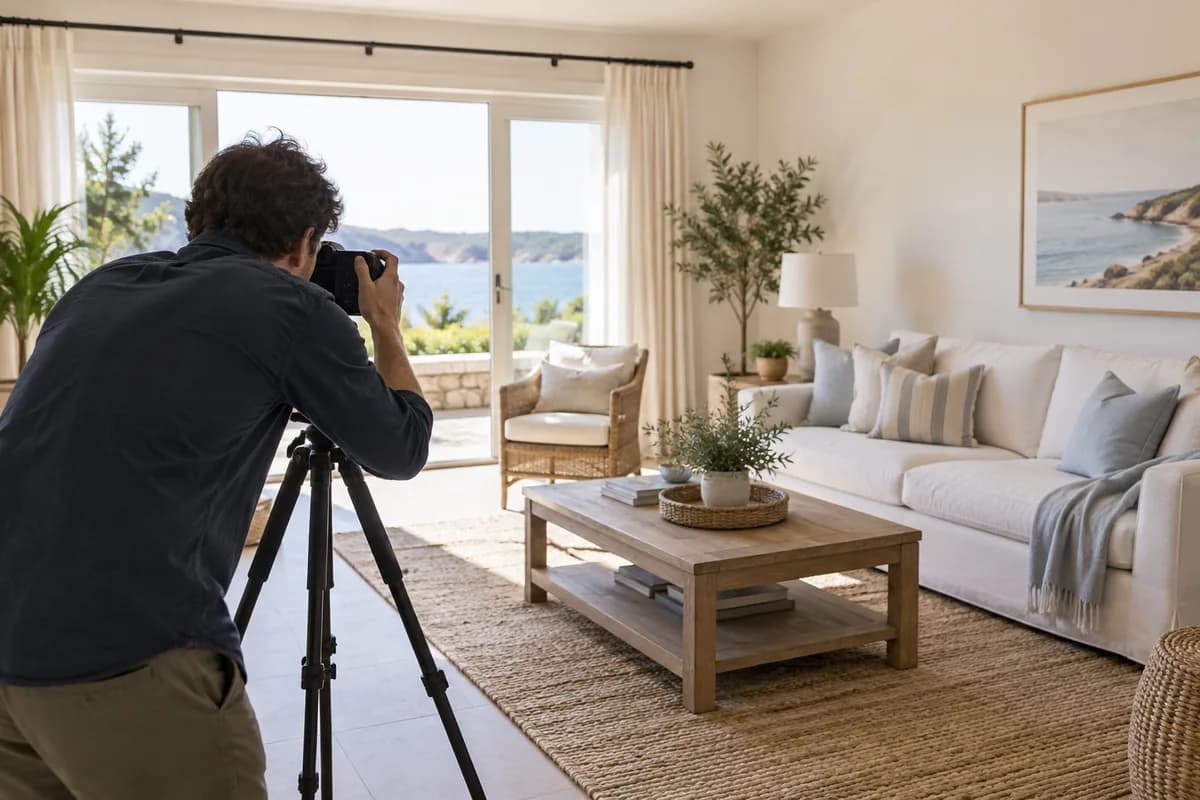
Build the gallery around a guest decision
A vacation rental gallery is not a room inventory and it is not a design portfolio. Its job is to help a guest understand the experience, sleeping arrangements, shared spaces, setting, access, and defining amenities quickly enough to decide whether the stay fits.
Begin by writing down the three reasons someone would choose this rental over another. Those reasons should be visible in the cover and opening sequence rather than buried after ten near-identical room angles.
- Name the stay's strongest visual promise
- Identify every fact a guest must verify
- Separate decision-making images from decorative details
- Plan one complete sequence before taking duplicates
Prepare the stay before touching the camera
Most photo problems are cheaper to fix in the room. Open window coverings, align chairs, clear cables and cleaning supplies, confirm the advertised bed setup, remove personal information, and check that every photographed amenity is actually available to guests.
Use deliberate warmth rather than turning on every bulb. Strongly mixed daylight and orange lamps create color problems that no global filter can solve cleanly.
Capture one useful frame for every promise
Hold the phone level around waist to chest height and use the main camera where space allows. Capture one wide frame that explains each room, then add a closer frame only when it proves an amenity, finish, view, workspace, or other booking detail.
Keep the largest original files. Screenshots, social downloads, and messaging-app copies discard the shadow and highlight information an editor needs.
- Exterior or arrival context
- Main living space
- Kitchen and dining
- Every sleeping space
- Every bathroom
- Outdoor areas and defining amenities
- Access, parking, or view where relevant
Finish the photograph, not the property
Correct exposure, unwanted color casts, mild camera tilt, noise, and restrained clarity. Those changes can make the camera's record easier to understand. Moving walls, changing views, hiding condition, adding amenities, or widening rooms changes the commercial meaning of the image.
Keep the original beside every result. Check doors, windows, furniture, materials, views, defects, sleeping arrangements, and amenity details before the file enters a booking gallery.
Order the gallery from promise to proof
Lead with the clearest differentiator, then establish the main shared space and move through sleeping areas, bathrooms, amenities, exterior context, and practical access. The sequence should answer questions rather than simply following the order in which the photos were taken.
Test the first five images at thumbnail size. If they repeat the same room or fail to explain what makes the stay distinct, the gallery needs editing rather than more photos.
Refresh only when something material changes
Update the gallery when furnishings, room configuration, amenities, access, landscaping, or the condition guests will encounter changes. A seasonal exterior refresh can help when weather materially changes the experience, but it should not imply year-round conditions that do not exist.
Keep the durable flagship set, then replace only the frames that have become inaccurate or visibly inconsistent. That produces a more trustworthy gallery than repeatedly applying a louder finish to old files.
Guides that pick up where this leaves off
- Exterior photo enhancement
Shadow direction is the tell when a sky has been replaced badly.
- Pool photo enhancement
How to show pool scale honestly, and why the fence stays in the frame.
- Balcony photo enhancement
The highest-contrast frame in the property, and why the view is a factual claim.
- Hot tub photo enhancement
Show the soak and the fire pit without inventing a resort spa.
- Beach photo enhancement
Keep the coastline honest when the sky goes grey.
- Ski and winter photo enhancement
Finish snow and cabin light without inventing a powder day.
- Free listing photo checker
Check the finished set against Airbnb, Vrbo, and Booking.com size rules.
Property advertising rules vary. Review every enhanced image against the original and disclose material or generated changes wherever required.
Ready when the source is
Turn the useful photos into a consistent listing set.
Start with three included credits. Keep the result only after it holds up beside the original.