The short answer: five rules show up everywhere
We read the photo rules of two large MLSs in full: California Regional MLS (CRMLS) and Stellar MLS in Florida. We also checked the digitally altered image rules of CRMLS and ARMLS in Arizona. The details differ, but the same five topics come up every time: a required exterior photo, a ban on branding, proof that you have the rights to every image, honest editing, and a way for sellers to opt out of photos.
What the rules rarely cover is pixel size or photo count. Neither CRMLS's photo FAQs nor Stellar's rules set a minimum resolution or a maximum number of photos. Those limits live in your MLS system's upload settings and help pages, so check there. Rules also change, and each MLS enforces its own, so use this page as a map and confirm with your MLS before you rely on a detail.
- An exterior photo is required, usually by a deadline
- No branding: yard signs, logos, agent photos, contact details
- Written rights to every image you upload
- Digitally altered images must be labeled; basic corrections are exempt
- Sellers can opt out of photos in writing
The required exterior photo
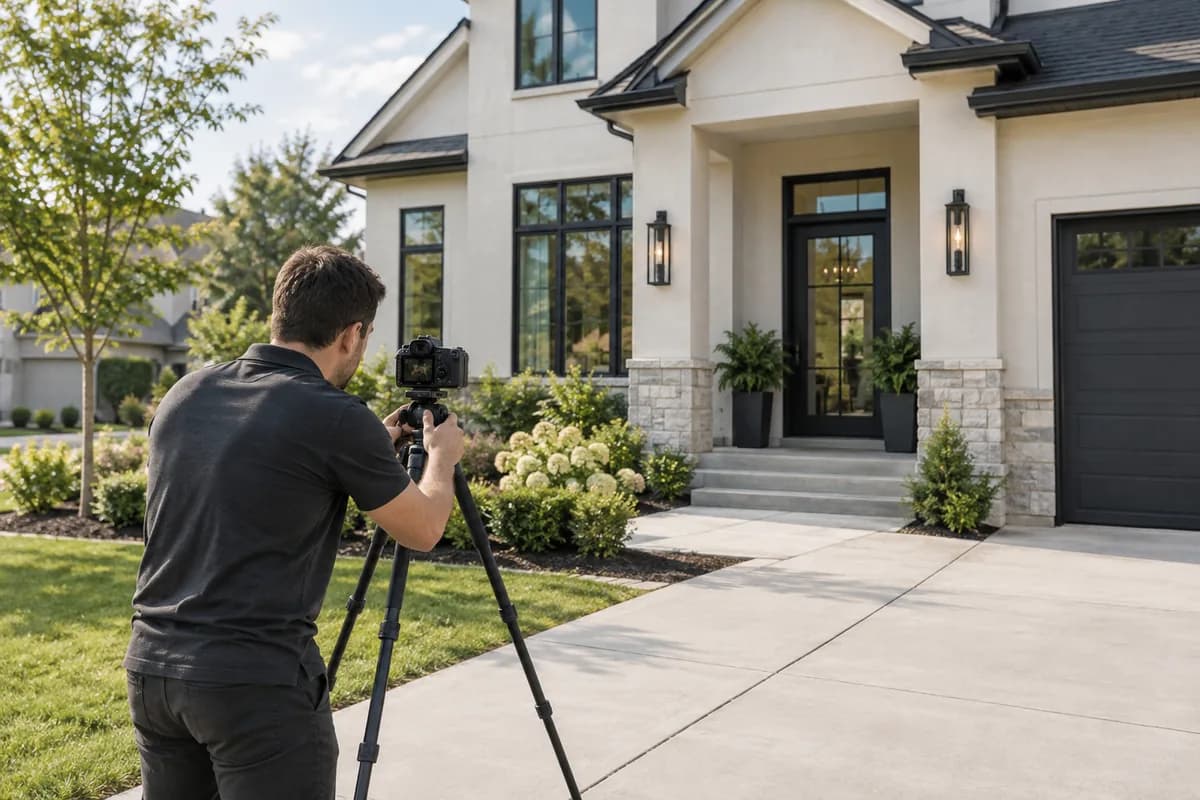
CRMLS requires at least one photo that "accurately depicts a substantial portion of the exterior structure of the property" within two calendar days of entry, including Coming Soon listings. It doesn't have to be the primary photo, and it doesn't have to show the front, as long as enough of the exterior is visible. Only listings cancelled within five business days and Business Opportunity listings are exempt.
Stellar MLS is stricter about placement. A front exterior photo or rendering, an aerial photo, or a water view from the property must be loaded before a listing can go active. The front exterior photo goes in the first slot. If the first slot holds an aerial or a water view, the front exterior goes in the second slot. A pool doesn't count as a water view. The front exterior photo must show most of the home or building.
- CRMLS: one exterior photo within two calendar days, any angle, any slot
- Stellar: front exterior in slot 1 (or slot 2 behind an aerial or water view) before going active
- Stellar: the front exterior must show most of the building
- Stellar: a pool photo is not a water view
Branding: signs, logos, text, and people
Both MLSs treat branding as a serious violation. CRMLS says a visible For Sale sign counts as branding. Because the violation happens the moment the photo is published, CRMLS skips the warning and issues a citation with a fine immediately.
Stellar bans company and agent logos, agent photos, commission or bonus mentions, contact information, and "text, or graphics of any kind" in photos and virtual tours, except the Stellar MLS watermark. The broker's yard sign may not be visible in front exterior photos. Stellar's virtual staging rules also state that people and words on any property photograph are strictly prohibited.
- Remove or crop out yard signs before upload
- No logos, agent headshots, phone numbers, or URLs in photos
- Stellar: no text or graphics of any kind, except its own watermark
- Check reflections and windows for people and sign text
Photo rights: you need them in writing
Uploading a photo to the MLS means stating that you own it or have a license to use it. CRMLS says images copied from Google or Bing are not allowed, because those services limit use to non-commercial purposes and the MLS is commercial. Photos from a photographer or from the seller need written authorization before you upload them, such as the C.A.R. Property Images Agreement. CRMLS warns that photographers' own license forms "rarely provide the necessary license language," so read them carefully.
Stellar requires every photo to be owned, purchased, or licensed by the listing broker or agent. Photos from someone else's earlier listing of the same property can't be reused without a license from their owner. Unlicensed images bring an automatic fine.
- No images copied from search engines
- Get a written license from the photographer, including rights for the MLS to sublicense
- Get written permission for seller-supplied photos
- Don't reuse a previous agent's photos without a license
Editing and disclosure
Exposure, white balance, color correction, cropping, and straightening are exempt from California's AB 723 and from the CRMLS and ARMLS disclosure rules. Edits that add, remove, or change what a buyer would see need a label. In California, the unaltered original must also sit immediately before or after the edited photo. Our guide to MLS rules for AI-edited photos covers this in detail.
Stellar adds prohibitions of its own. You can't distort a room's dimensions, and Stellar gives "placing small furniture to make a room appear larger" as an example. You can't remove defects such as holes in the wall, exposed wiring, or damaged flooring. You can't add views or lighting that aren't possible from the property.
- Basic corrections: no label under AB 723, CRMLS, or ARMLS
- Added or removed items, finishes, landscaping, or views: label them
- Stellar: no shrunken furniture to make a room look bigger
- Stellar: no editing out defects
When the seller doesn't want photos
Both MLSs allow it with written instructions. CRMLS wants the seller's written instruction sent to CRMLS Compliance within two calendar days of entry. Stellar adds a "Photo not available per seller's direction" image once it receives written authorization through the listing broker or agent.
- Get the seller's instruction in writing
- CRMLS: send it to Compliance within two calendar days
- Stellar: send it through the broker; the MLS adds a placeholder image
Where ListPik fits, and one Stellar caution
ListPik's enhancement pass corrects exposure, white balance, clarity, and mild perspective. Those edits fall within AB 723's exemptions and the standard adjustments CRMLS and ARMLS allow. That makes it a fast way to get an underexposed exterior or a dark interior ready before an MLS deadline. The original stays beside every result, so you can upload it next to an edited photo where your MLS requires that.
The caution concerns virtual staging. ListPik burns a Virtually Staged label into staging results by default. Stellar bans text of any kind on listing photos and asks for staging to be disclosed in the photo description, the virtually staged checkbox, and the public remarks instead. On Stellar listings, download the clean file without the label and use those three fields. Other MLSs may prefer the label on the photo, so check your MLS's rules on text in photos.
- Enhancement: within the exempt editing categories
- Stellar: use the clean staging file and disclose in the three fields
- Elsewhere: confirm whether your MLS allows a label on the photo
- Crop yard signs and reflections before you enhance
Pre-upload checklist for MLS photos
Run this before a listing goes live or out of Coming Soon.
- At least one exterior photo showing most of the building, in the slot your MLS requires
- No yard signs, logos, contact details, text, or people in any photo
- A written license for every photo you didn't take yourself
- Edits limited to exposure, color, cropping, and straightening, or labeled as altered
- Originals placed next to altered photos where your MLS requires it
- No defects edited out and no rooms made to look bigger
- Seller opt-out, if any, filed in writing on time
Guides that pick up where this leaves off
- Zillow listing photo guide
MLS photos syndicate to Zillow, so MLS rules decide what the portal shows.
- For real estate agents
Get listing photos corrected before the MLS deadline without booking a reshoot.
- Exterior photo enhancement
The one photo every MLS requires. Recover curb appeal without changing the property.
- Virtual staging disclosure rules
Where the staging label goes depends on your MLS's rules on text in photos.
Sources checked for this answer
Product and platform policies change. These were reviewed on September 22, 2026.
- Rules and Regulations, Articles 04.04–04.05 (updated Sept. 15, 2025)Stellar MLS
- Flexmls & Paragon Photographs and Media FAQs (updated Mar. 16, 2021)California Regional MLS (CRMLS)
- Digitally Altered Image Guidance & FAQs (Rule 11.5.2)California Regional MLS (CRMLS)
- Virtually Staged Photos: Disclosure of Digitally Altered ImagesArizona Regional MLS (ARMLS)
Related questions
What are the MLS photo requirements?+
They vary by MLS, but most require at least one exterior photo by a deadline, ban branding such as yard signs and logos, require written rights to every image, require labels on digitally altered photos, and let sellers opt out in writing. CRMLS and Stellar MLS rules set no pixel minimum.
Can a For Sale sign be visible in MLS photos?+
Not in CRMLS or Stellar MLS. CRMLS treats a visible sign as branding and issues a citation with a fine immediately, without a warning. Stellar prohibits the broker's yard sign in front exterior photos.
Does the first MLS photo have to be the front of the house?+
In Stellar MLS, yes: the front exterior goes in slot 1, or slot 2 if slot 1 is an aerial or water view. CRMLS only requires one photo showing a substantial portion of the exterior, in any slot and from any side.
How long do I have to upload photos to the MLS?+
CRMLS requires the exterior photo within two calendar days of entry, including Coming Soon listings. Stellar MLS requires a front exterior photo before the listing can go active.
Can I use photos from a previous listing of the same home?+
Only with a license from whoever owns them. Stellar fines unlicensed images automatically, and CRMLS requires written authorization for any photo you did not take yourself.
Can I put a Virtually Staged label on MLS photos?+
It depends on the MLS. Stellar bans text on listing photos and requires staging to be disclosed in the photo description, a checkbox, and the public remarks. CRMLS asks for the label in the photo description field. Check your own MLS's rules.
Property advertising rules vary. Review every enhanced image against the original and disclose material or generated changes wherever required.
Ready when the source is
Turn the useful photos into a consistent listing set.
Start with three included credits. Keep the result only after it holds up beside the original.