Comparison · August 21, 2026
ListPik vs PhotoRoom for property and listing photos.
PhotoRoom became popular because it removes backgrounds from product shots and replaces them with clean studio scenes. That is a commerce job. A property listing is the opposite job: the background is the product. Walls, windows, flooring, views, and neighboring context are the facts a guest or buyer is trying to read. ListPik exists to make those facts clearer, not to extract the sofa onto a white field. If a host reaches for PhotoRoom, it is usually because the app is already installed. The listing still needs a different editor.
Background removal is not listing finishing.

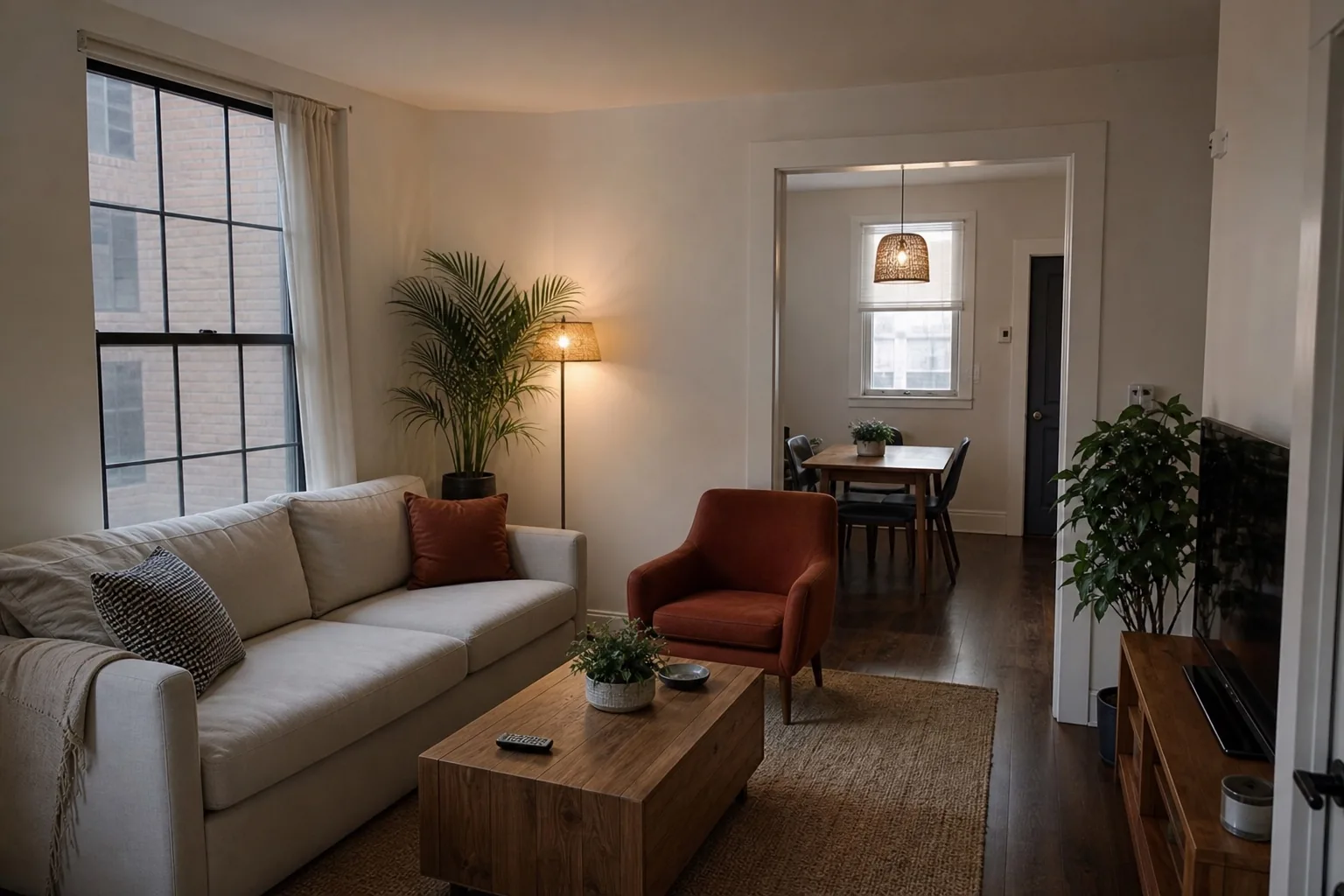
ListPik keeps the source on the desk. The useful question is whether the finished room is still the same property.
The short read
How to choose without a feature-war.
PhotoRoom is a product-photo tool. ListPik is a property-photo tool. Using a cutout app on a listing usually solves the wrong problem.
Contact sheet
ListPik beside PhotoRoom.
PhotoRoom is a consumer background editor. The table below is the operational difference, not a scorecard.
| Criterion | ListPik | PhotoRoom |
|---|---|---|
| Native use case | Real estate, Airbnb, and hospitality photos | E-commerce products, portraits, and marketing cutouts |
| What happens to the background | It stays. The room is the subject | It is often removed or replaced |
| Architecture | Preserve proportions, openings, and materials | Not a property-geometry editor |
| Lighting correction | Local exposure and mixed-light finishing | Subject isolation and scene replacement |
| Listing safety | Designed so the published room remains recognizable | Easy to create a scene that does not exist |
| Output | A finished photograph of the place | A subject on a new background or template |
| Pricing | One-time photo credits | Consumer app with subscription tiers |
| Review | Source and result in one comparison | Edit-centric mobile flow |
ListPik
Choose ListPik when
- The image is of a real interior or exterior that people will visit.
- You need light, color, clarity, or geometry improved, not a new background.
- The listing must remain recognizable beside the original photo.
- You are publishing to a property portal or booking platform.
PhotoRoom
Choose PhotoRoom when
- You are cutting out a product, logo, or person from a scene.
- You need a catalog background, not a property record.
- The output is a marketplace product card or an ad creative.
- The room itself is irrelevant to the asset.
The actual differences
Four points that decide the listing.
Removing the room is the failure mode.
A listing photo fails when viewers cannot tell what they are renting or buying. PhotoRoom's superpower is deleting context. That is why it is excellent for a lamp on a marketplace and poor for a kitchen on Airbnb.
Property photos need windows, not seamless backdrops.
The hard parts of a listing frame are dynamic range, color casts, and leaning verticals. Those are photographic problems. Cutout tools do not treat them as the job.
Mobile convenience is not a methodology.
PhotoRoom is close at hand on a phone. ListPik is a browser studio because the review needs enough screen to inspect edges, views, and defects. Convenience that skips inspection is how misleading listing images get published.
Commerce licenses are not listing licenses in spirit.
Even when an app allows commercial use, the ethics of a property image are different from a product SKU. A white background behind a kettle does not create a false floor plan. A replaced living-room wall can.
Spend
A listing credit is not an app subscription.
ListPik sells finished property photos. PhotoRoom sells a consumer editing app, typically through a subscription. The prices are not interchangeable because the outputs are not interchangeable. Paying for PhotoRoom Pro does not give you a listing methodology.
Desk shape
Keep the place, or extract the object.
ListPik assumes the frame is a document of a property. PhotoRoom assumes the frame contains a subject that should be lifted out. Start by naming which of those is true. Most listing photos are documents.
- 01
Upload the original
Use the largest JPG, PNG, or WebP. ListPik finishes one photo per credit.
- 02
Inspect the evidence
Keep architecture, materials, views, and condition recognizable beside the source.
- 03
Publish only the approved frame
Export after the comparison holds up at full size and thumbnail size.
Direct answers
Questions this comparison usually attracts.
Can I use PhotoRoom for real estate photos?+
You can technically open a listing photo in PhotoRoom, but background removal and scene replacement are the wrong tools for rooms that must remain accurate.
Does ListPik remove backgrounds?+
No. The background is the property. ListPik corrects presentation while keeping architecture, context, and views in place.
What if I only want to clean a small object?+
ListPik's cleanup is limited to small, non-structural distractions. It is not a general object-eraser and it will not empty a furnished room.
Is PhotoRoom AI the same as ListPik AI?+
No. PhotoRoom's models are optimized around subjects and backgrounds. ListPik's workflow is optimized around property presentation and review.
PhotoRoom is a trademark of its respective owner. ListPik is not affiliated with, endorsed by, or sponsored by PhotoRoom. Third-party pricing, turnaround, and feature details are summarized from publicly available information as of August 21, 2026 and can change. Confirm current terms on the vendor's own site before buying.
Start with one frame
Let the original decide the edit.
No subscription. One credit per finished photo. Review before you publish.
Open the studio